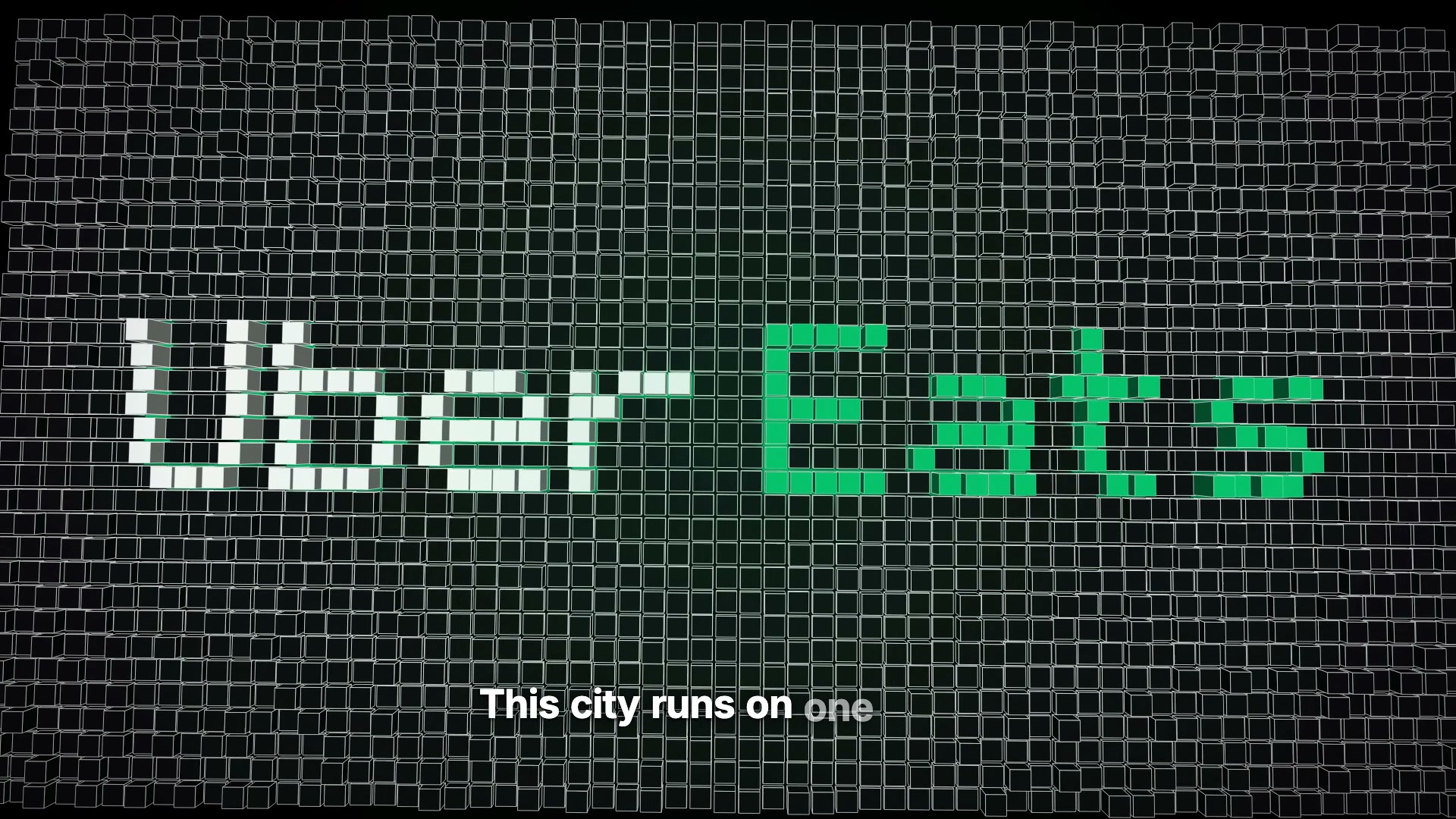
STEP 01
Start with one visual idea.
The city is the logo. That is the hook. The search gives it a goal. The courier and red light give it tension. Write those beats before asking for animation.
The workflow behind a 21-second Uber Eats concept: Claude Code, Remotion, a city built in SVG, and fourteen rounds of iteration.
Concept ad — not affiliated with Uber or Uber Eats.
Final video · 9:16 · 1080 × 1920 · 60 fps · ≈21.3 seconds. Concept ad — not affiliated with Uber or Uber Eats.
The camera pulls back until the blocks form the name. The reveal makes the idea visible.
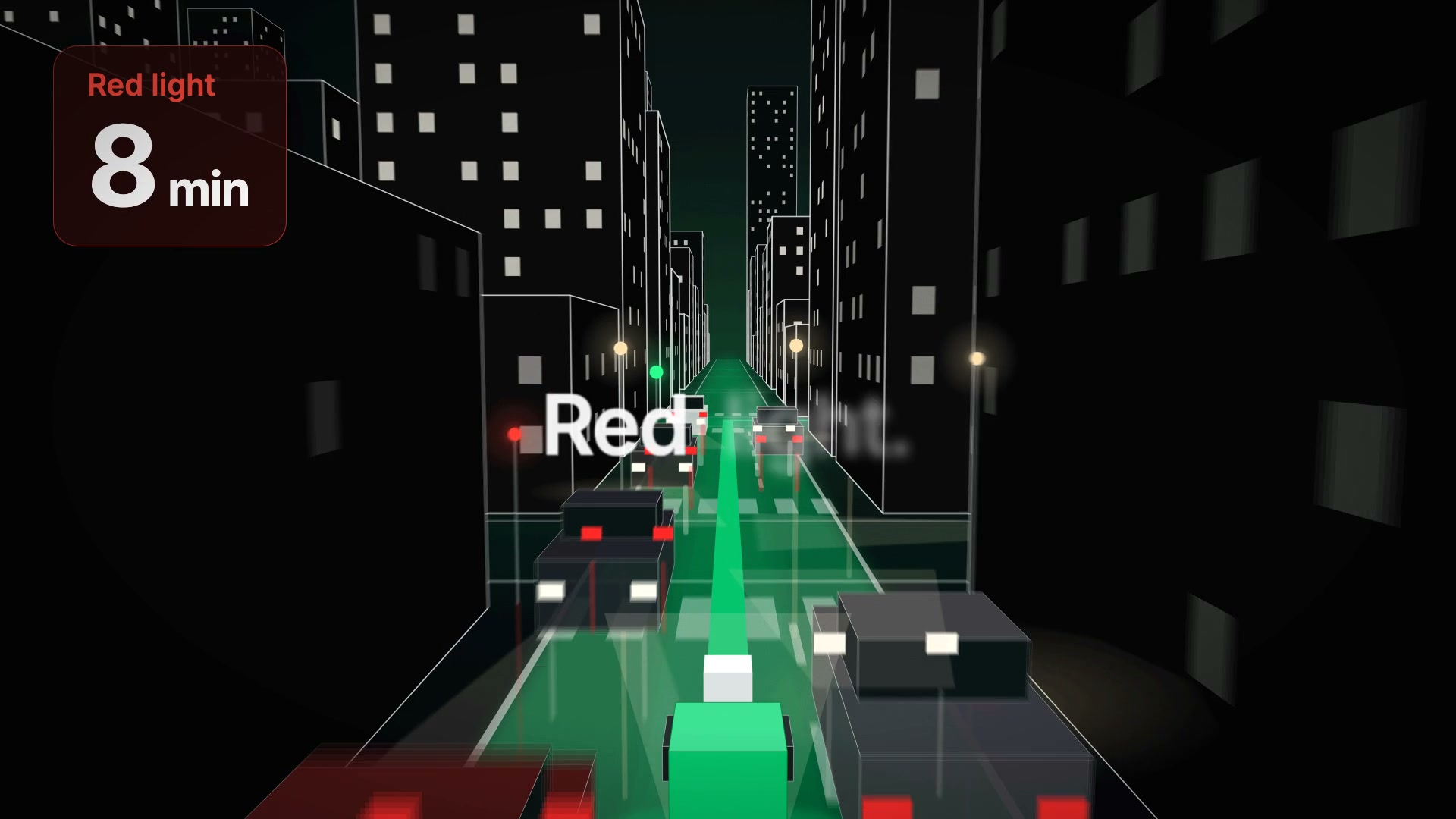
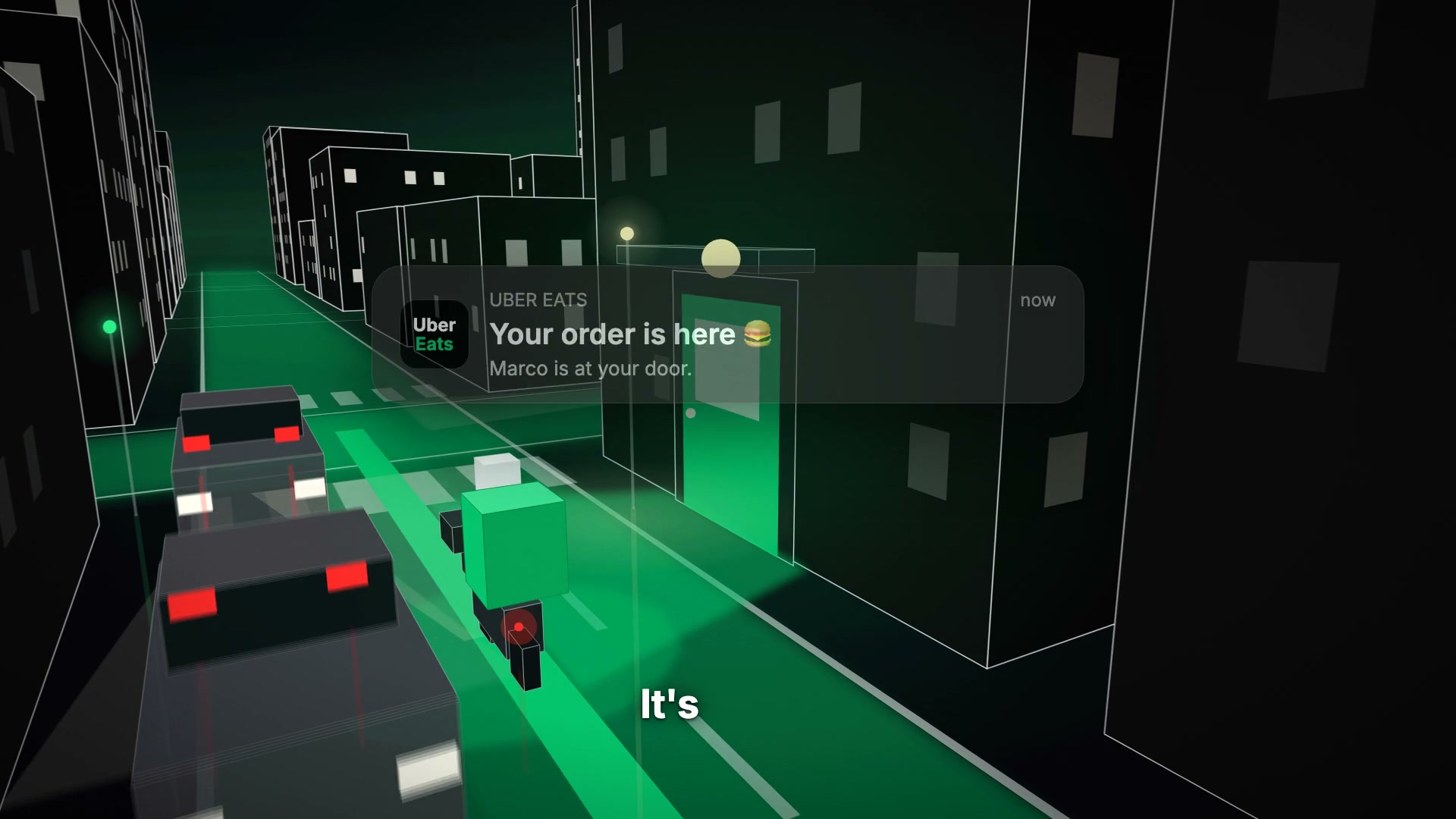
A fictional countdown and a red light create a question. Arrival at the door answers it.
Eight photo pins show different people. The “You” marker brings the city back to one delivery.
The city is the logo. That is the hook. The search gives it a goal. The courier and red light give it tension. Write those beats before asking for animation.
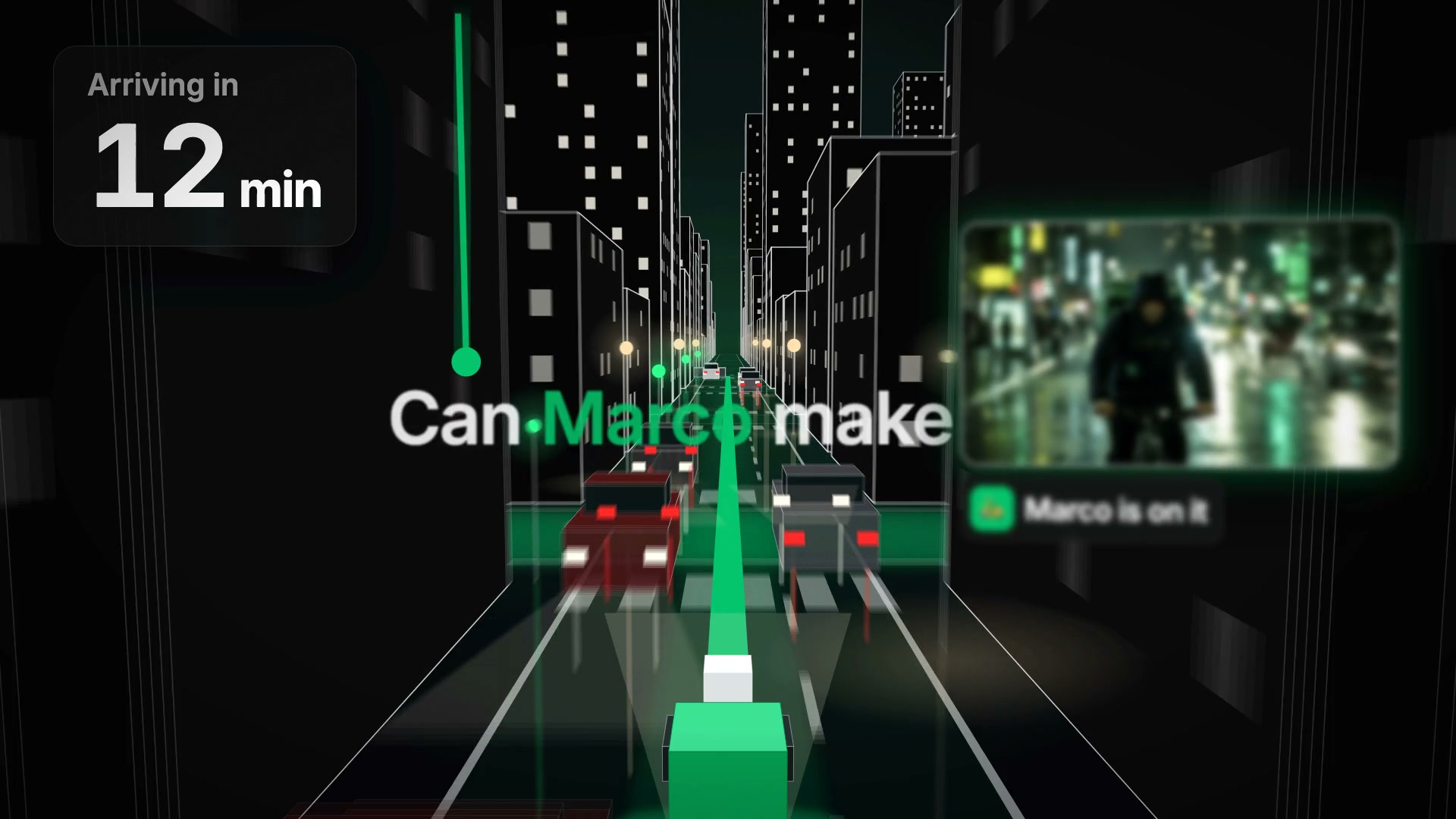
Ask Claude Code to build a separate Remotion composition. Block the city, route and transitions with simple shapes. Check the pullback and the descent to street level before polishing buildings.
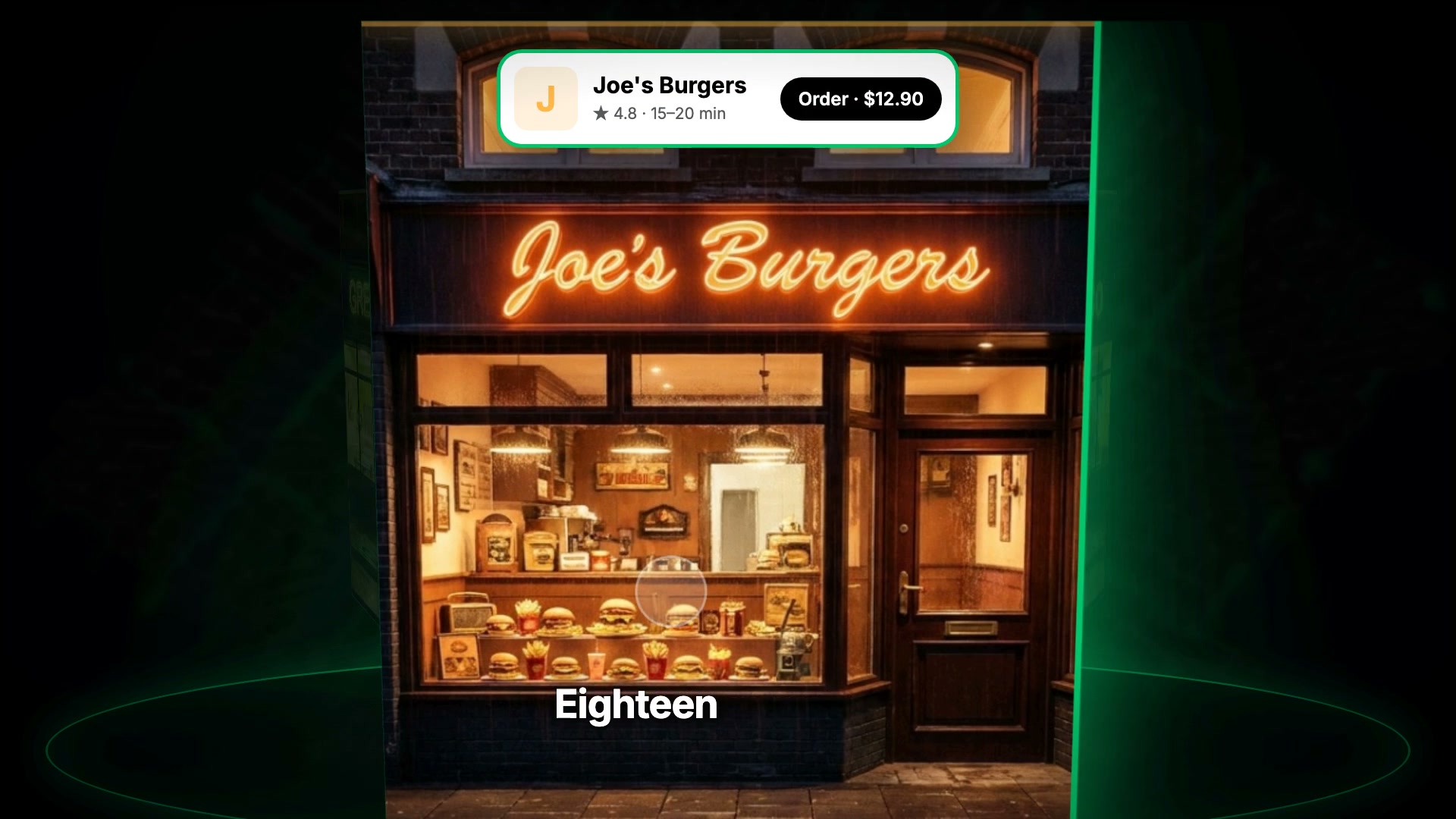
Generate people and nighttime storefronts in Flow / Nano Banana Pro. The original workflow used 2×2 and 3×2 collages, cropped with Python. Check every crop and replace the placeholders.
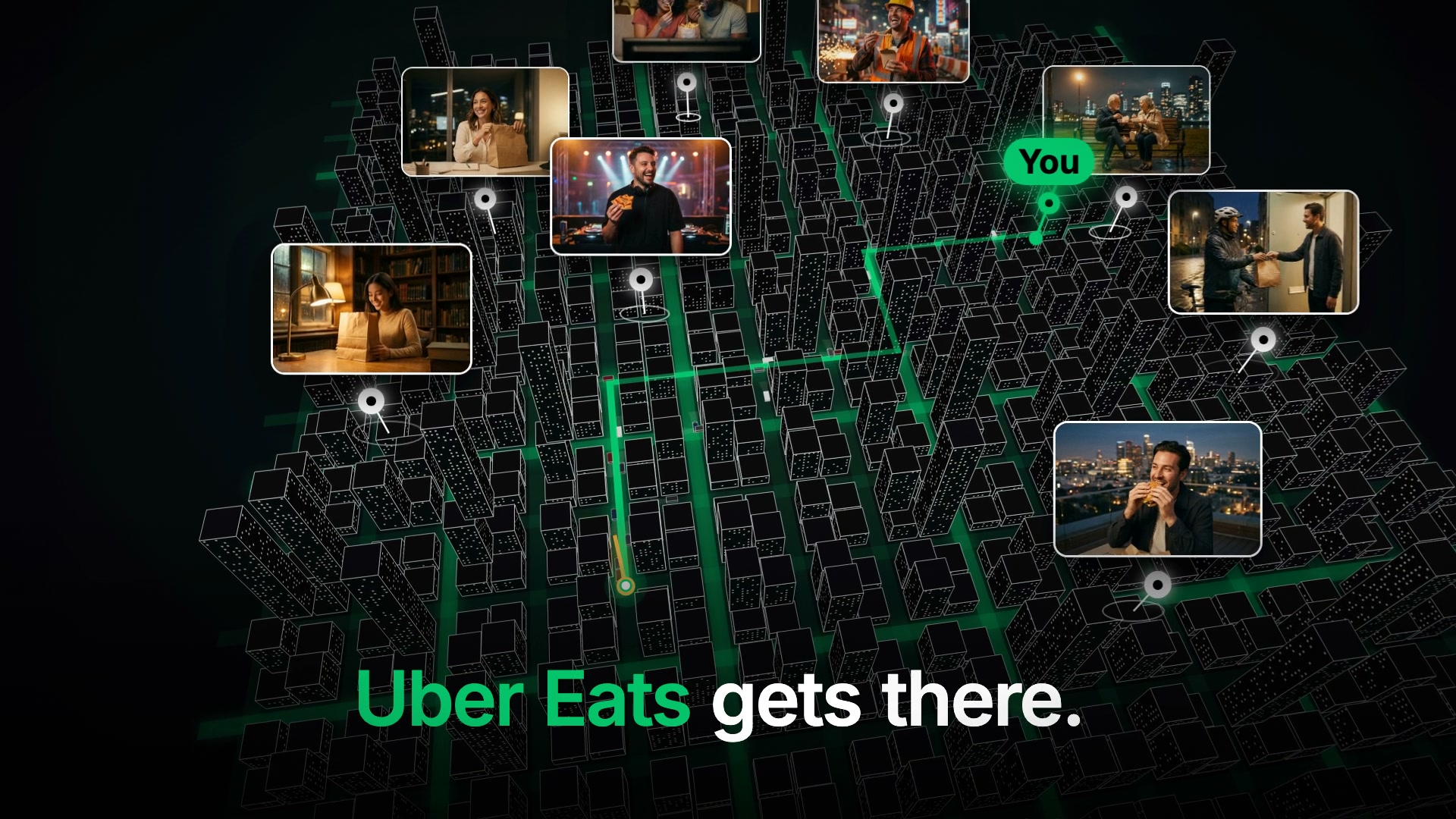
Generate the English narration in Artlist with the Bright voice. Transcribe it with faster-whisper for word timings. Align phrases to each scene, then use those timings for word-by-word subtitles.
Use the same easing family throughout. Overlap elements, hold important reveals for 8–12 frames, and give each moment one focus. The timing grid here is 120 BPM: fifteen frames per beat.
Save numbered cuts. Review attention, continuity and legibility at full speed. This film took fourteen versions. During development, sound effects and a provisional score came from Node scripts. The player above now shows the supplied final video.
Adapt the placeholders to your idea. These are new starter prompts based on this workflow, not a transcript of the original Claude session.
Help me plan a 21-second independent concept ad for [BRAND OR PRODUCT]. The audience is [AUDIENCE]. The single idea is [IDEA]. Use one visual hook, one clear action, one obstacle, and one payoff. Write an English voiceover and a frame-based beat sheet at 30 fps. Include a creator signature and a visible concept disclaimer. Treat any countdown as fictional storytelling, not a product guarantee. Do not invent performance claims. First propose the story; do not write animation code yet.
Implement the approved beat sheet in this Remotion React + TypeScript project. Inspect the project before changing files. Create a separate composition at 1920x1080, 30 fps, 640 frames. Keep animation deterministic and driven by the current frame. Use one main focus at a time, expo-out entrances, expo-in exits, overlap between elements, and 8–12-frame holds on important reveals. Avoid bounce in the main motion. Use a consistent 3D camera with gentle starts and stops. At 120 BPM, align movement accents to 15-frame beats. Start with simple placeholder assets and validate the camera path before adding detail. Preserve existing compositions and public assets.
Create a [2x2 OR 3x2] contact sheet of [PEOPLE ORDERING FOOD / NIGHTTIME RESTAURANT STOREFRONTS] for an independent concept film. Each cell must be a separate complete photograph, with consistent nighttime lighting, believable scale, clean framing, and clear separation between cells. Keep the palette compatible with a black, white and green graphic city. Do not include interface overlays. Keep important subjects away from cell edges so each image can be cropped cleanly. Use fictional storefront names.
Review the current render against the approved beat sheet. Identify the three most visible issues in attention, camera continuity, timing, or readability. Describe each issue with a timestamp and propose the smallest change that fixes it. Preserve everything else. Make one focused pass, render a new numbered version, and report what changed. Do not invent test results or describe changes that you have not verified.
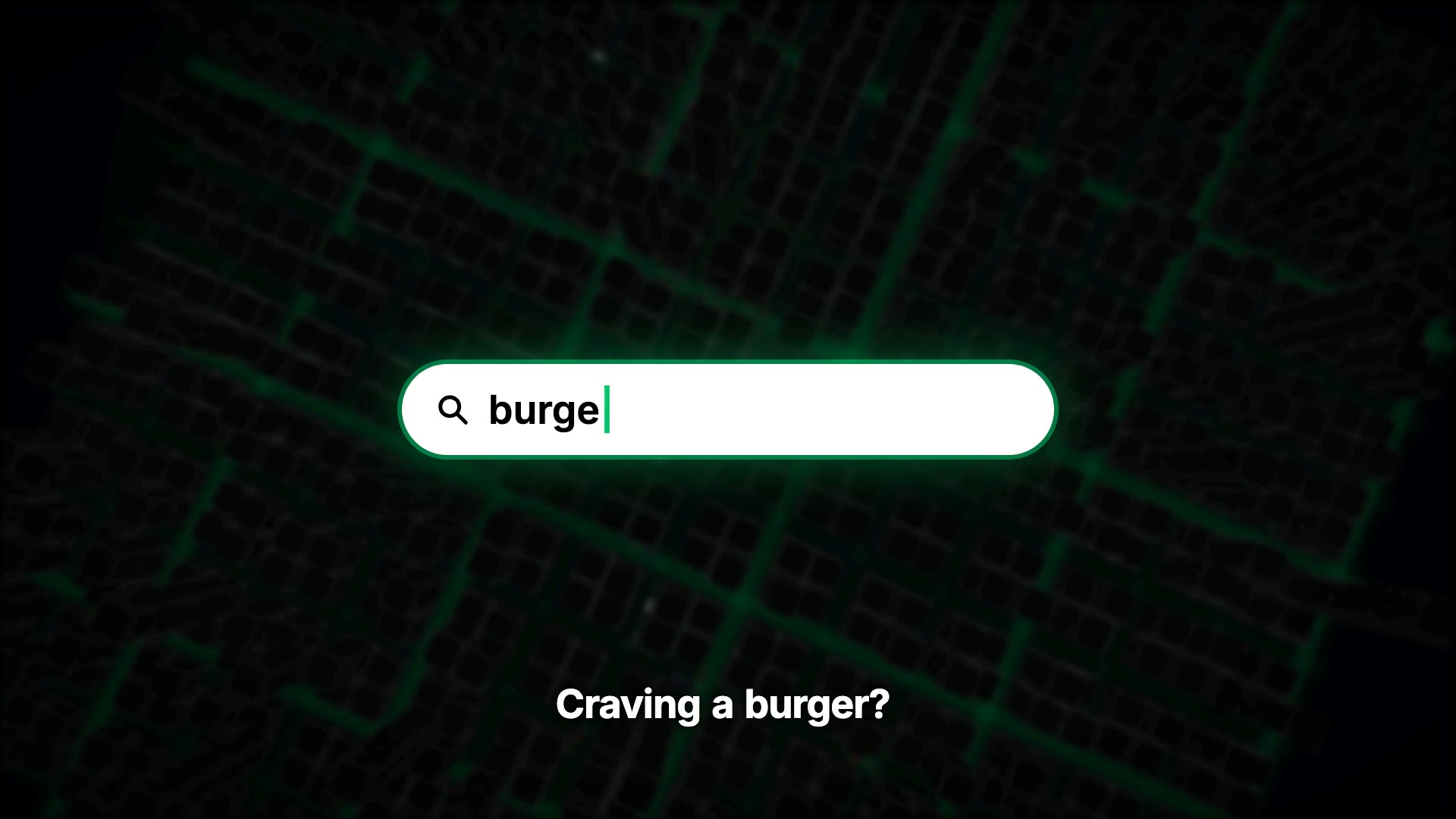
Approximate scene ranges. The countdown is compressed fiction, not a delivery promise.
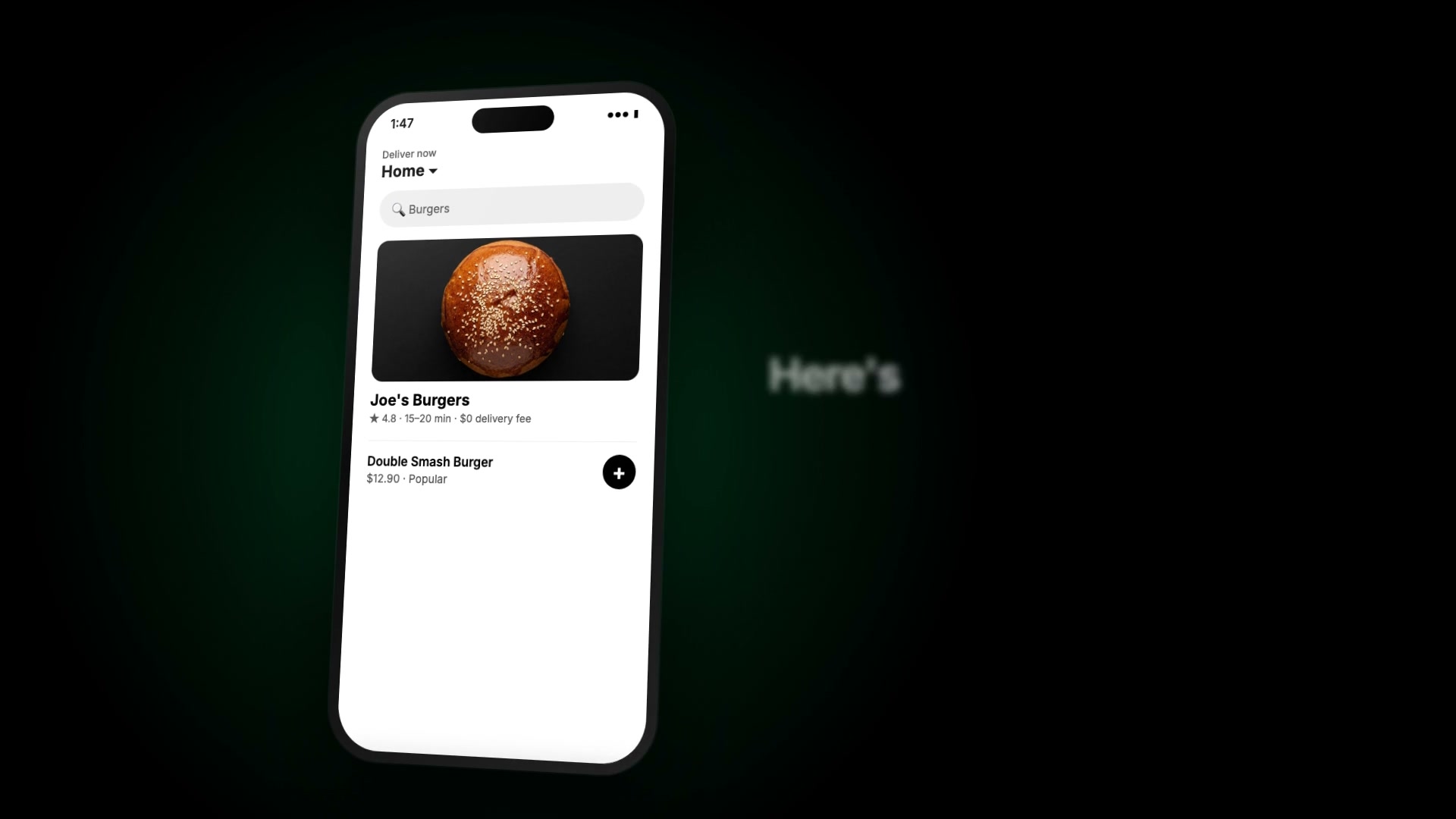
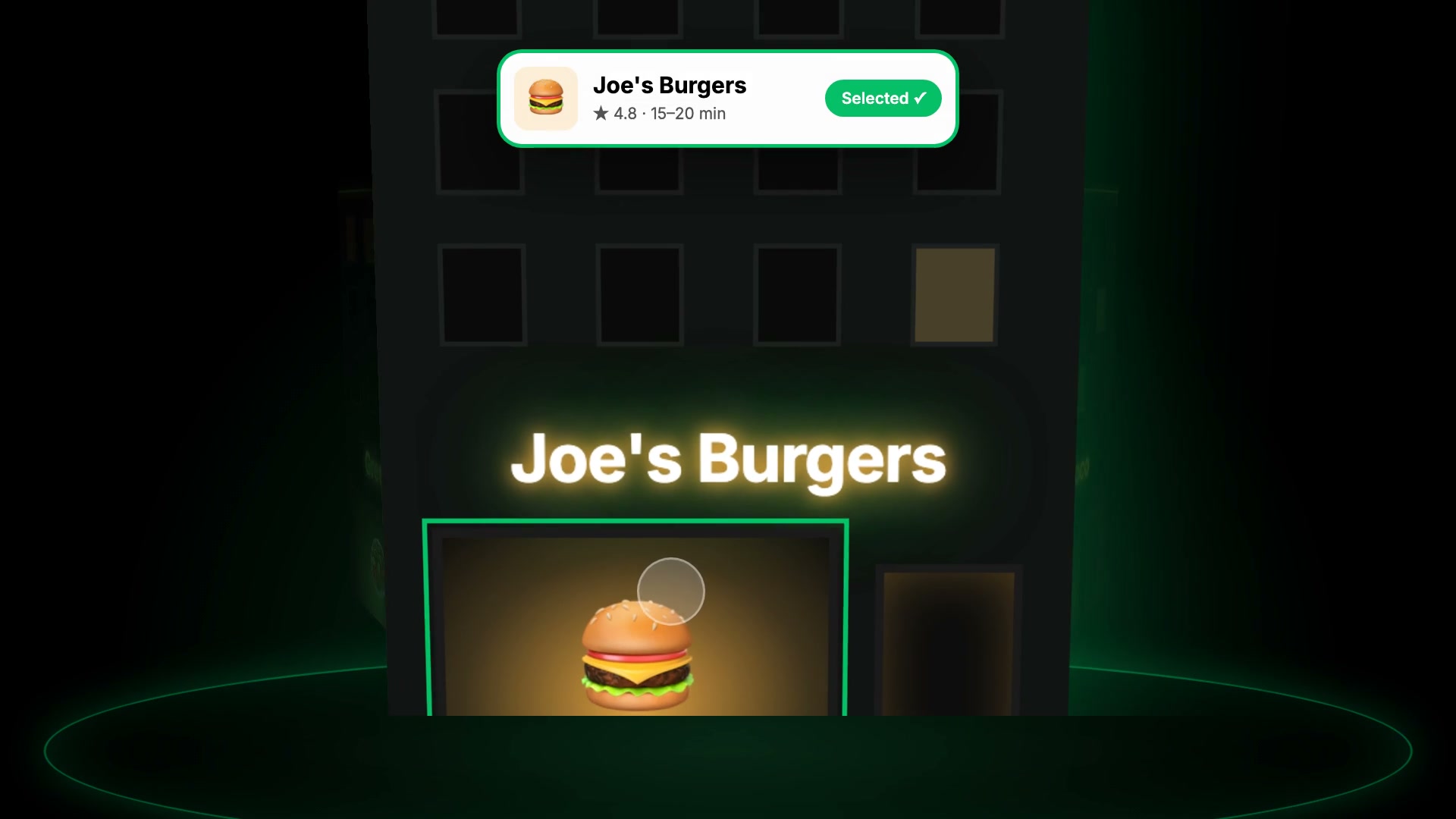
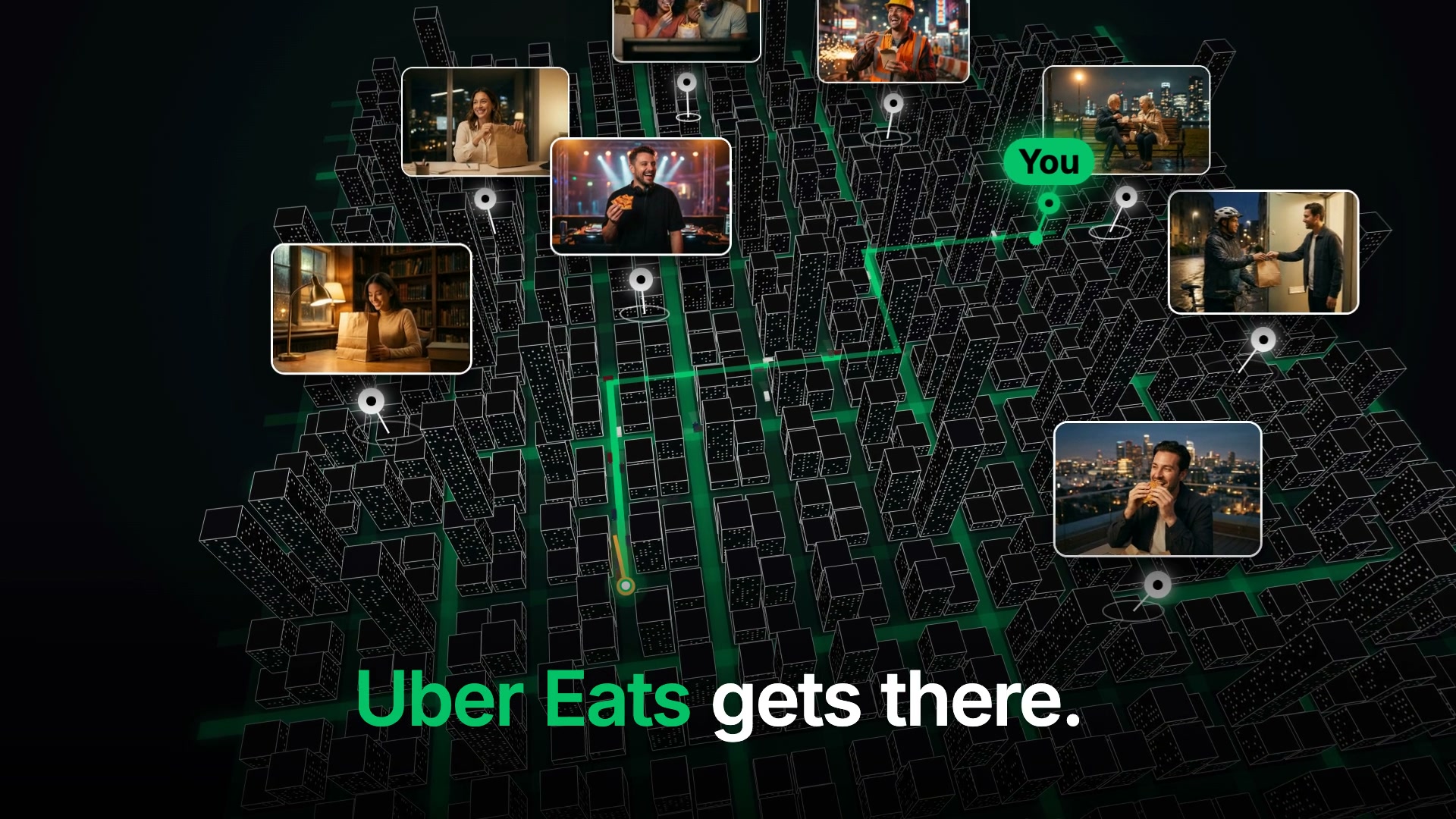
Selected exported cuts. These checkpoints do not establish when each feature first appeared.
One focal point. Readable text. A visible rider. Enough time to understand the reveal.
Watch the descent without pausing. Fix jumps in perspective before adding more detail.
Place narration phrase by phrase. Leave room for effects. Review music against the final edit.
Label independent brand experiments. Use fictional story details without turning them into product claims.
The final presentation places the animation inside a laptop screen in a vertical frame. The walkthrough stills below come from the original widescreen animation so its details stay readable.
All motion graphics were written by Claude in Remotion 4 with React and TypeScript. The city uses a custom SVG engine with a 3D camera, polygon clipping, depth sorting and fog. Camera motion blur comes from @remotion/motion-blur. No After Effects or 3D software was used.
Visual reference: the “Claude cooked” style of AI motion graphics, with dark backgrounds, clean interfaces and 3D cities with pins. The opening hook and delivery story are Oriol’s own.
Follow the next experiment and the process behind it.
Follow @sixteen.ai ↗Concept ad — not affiliated with Uber or Uber Eats.